

5 Website Security Measures: How to Protect Your Business Site
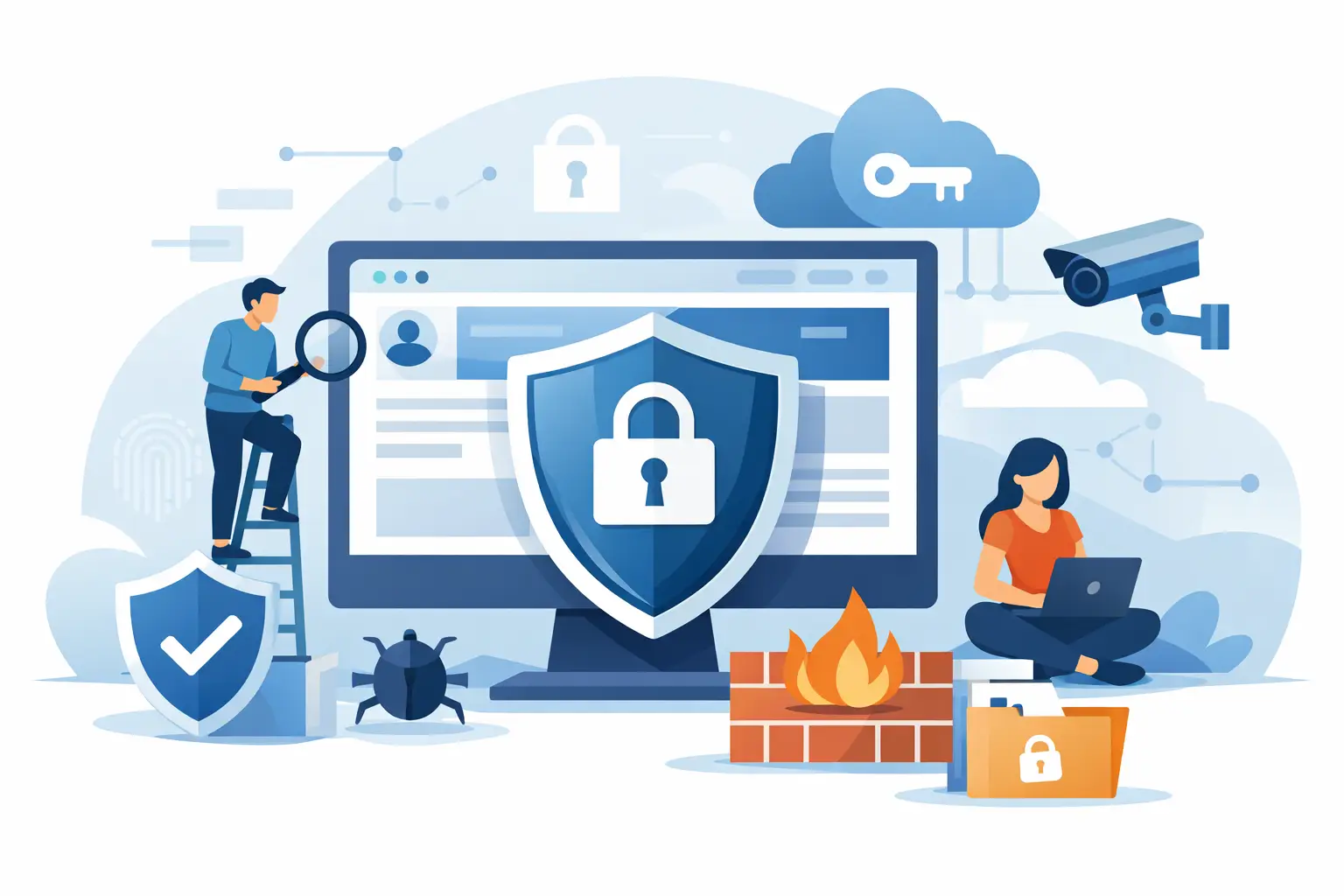
SSL, automated backups, regular updates, access control, and reliable hosting: five website security measures every business needs to protect its site from hacks and data loss.
A website can run fast, feature a great design, and drive active sales, but it only takes one stolen administrator password to put everything at risk. These five website security measures should not be viewed as an additional technical expense. Instead, they are the very foundation of site performance, customer trust, and business continuity. For small companies in particular, a single downtime incident often means lost leads, a damaged reputation, and hours or days of recovery work.
Security is not a single-button service. It consists of several interconnected layers: a secure connection, controlled access, an updated software environment, a recovery plan, and a stable infrastructure. If one of these layers is missing, the others will not always be able to bridge the gap.
Common Vulnerabilities: Why Business Websites Get Hacked
Most websites are not compromised due to exceptionally complex targeted attacks. The most common reasons are much more mundane: an outdated WordPress plugin, a weak password, using the same password across multiple services, an unverified design theme, or a total lack of backups. An attacker does not necessarily target your specific company; automated tools constantly scan the web for sites with known vulnerabilities and exploit them.
The type of website also dictates priorities. An online store must strictly protect customer data and payment pages. For a media resource, controlling editorial accounts and ensuring rapid recovery is vital. On a service provider's website, even a vulnerability in a simple contact form can lead to spam, fake inquiries, or data leaks.
Practical Cybersecurity Checklist: 5 Steps to Protect Your Site
1. Data Encryption via HTTPS: Implement and Monitor SSL Certificates
An SSL certificate encrypts the data transferred between a website and a visitor's browser. This ensures that login credentials, form submissions, and other transmitted details are better protected from interception by intermediary nodes. The HTTPS label in the browser is also a practical signal of trust; a user is far less likely to fill out a form if they see a "Not Secure" warning.
However, SSL is not an absolute shield. It will not clean a malware-infected site, prevent the theft of a weak password, or patch a vulnerability in an old plugin. You must also ensure that all pages, images, scripts, and forms on the website load over HTTPS, otherwise mixed content errors may occur. Monitoring the certificate's expiration date is equally important, as an expired certificate can instantly destroy visitor trust.
2. Automated Backups & Disaster Recovery: Safeguard Your Core Data
A backup is only useful if it can be restored quickly. Many websites have backups, but they are often stored on the same account of the same hosting server, do not include the database, or have not been tested for months. If the website is corrupted, an incorrect update is deployed, or an employee accidentally deletes critical content, such a backup might be useless.
Save both the website files and the database, and choose a backup frequency based on the volume of changes. A store accepting orders daily typically needs daily, or sometimes even more frequent, backups. If the website is rarely updated, a weekly schedule may be sufficient. It is best practice to keep at least one copy in a separate remote storage location and periodically test the recovery process in a staging environment.
A disaster recovery plan should answer three simple questions: Who makes the decision, where is the last clean copy located, and how long does it take for the website to return to service? Having these answers in advance saves the most expensive resource during a crash—time.
3. Core Software Updates: Maintain CMS, Plugins, and Server Environment
WordPress, Joomla, Laravel, and other platforms regularly release security updates. Delaying them feels convenient because any change can impact the design or custom features. However, keeping an old version is often a much bigger risk, especially if details about a known vulnerability have already been published online.
A practical approach is not to "update everything immediately." First, create a backup, then test the update on a staging site or during low-traffic hours, and only then apply it to the live website. In the case of custom themes, payment modules, or legacy integrations, this sequence is critical.
Never install free themes or plugins downloaded from untrusted sources. Some of them may contain malicious code, hidden admin backdoors, or unmaintained components. Fewer plugins often translate to greater security, provided each has a clear function, is regularly updated, and is truly essential to the site.
4. Access Control & Authentication: Protect Administrative Logins
The website control panel, hosting account, corporate email, and domain management access are all links in the same security chain. If one of them becomes accessible to a third party, simply changing the website password might not be enough. For example, by controlling the email account, an attacker can reset passwords for other services, and by compromising the domain account, they can alter DNS settings.
Provide each responsible employee with a separate login and grant only the permissions necessary for their specific job. Strong, unique passwords are a mandatory minimum, and two-factor authentication (2FA) is the most advisable next step. If an employee leaves the company, their access must be revoked immediately, rather than left active under a "just in case we need it later" logic.
It is also useful to limit failed login attempts and regularly review the list of administrators. In small teams, this process can be a simple spreadsheet or a clear rule enforced by a responsible person, while in larger organizations, it involves access management policies. The key is controllability, not complexity.
5. Secure & Scalable Infrastructure: Choose the Right Hosting Provider
Hosting is more than just a place to store files. It determines the server environment the website runs in, how quickly it can respond to a crash, how resources are allocated, and what monitoring tools are available. Cheap hosting of vague origin may look like savings initially, but limited support, outdated software environments, or frequent downtime often cost much more in the long run.
For a small promotional website, high-quality shared Linux hosting may be perfectly adequate. A growing online store, a high-traffic media site, or a project requiring custom configurations should consider moving to a VPS (Virtual Private Server), where control over resources and the environment is much higher. The choice depends on traffic volume, website technology, data sensitivity, and your team's technical expertise.
An additional layer of defense can be provided by CDN and DDoS mitigation tools, such as Cloudflare integration, especially if the site frequently faces a high volume of suspicious requests. However, even the best protection service does not replace internal website updates and proper access configuration. Centralizing the management of your domain, hosting, SSL, and technical support through a single infrastructure provider, such as Internet.am, can also speed up issue detection and resolution.
Turning Security into a Routine Business Process
These measures are effective when they become a regular procedure rather than a one-time project. Check software updates, password and user lists, successful backup completion, and SSL status on a monthly basis. Every quarter, review which plugins are no longer used and whether the current hosting plan still matches the site's traffic load.
You can create a brief responsibility chart: the content manager does not make server-side changes, the technical specialist approves updates, and the business owner maintains control over the domain and payment accounts. This simple division reduces the likelihood of accidental mistakes and streamlines the response in an emergency.
Website security is often invisible until its absence becomes obvious to everyone. Start with one concrete step today: check when your last restorable backup was created and make sure you can truly use it when needed.
© 2026 Internet.am. All rights reserved.